Bring the matter in from iManage. Prep every deposition against it.
A case can turn on one document, and at leading law firms, that document sits in iManage. Connect iManage to Litem and bring in the whole matter across pleadings, exhibits and prior testimony, through the sign-in your firm already uses.
What changes.
Prep starts from the documents, not from a download folder.
The record is already organized in iManage. Our integration brings it into your Litem case the way it is.
Seamless matter importing
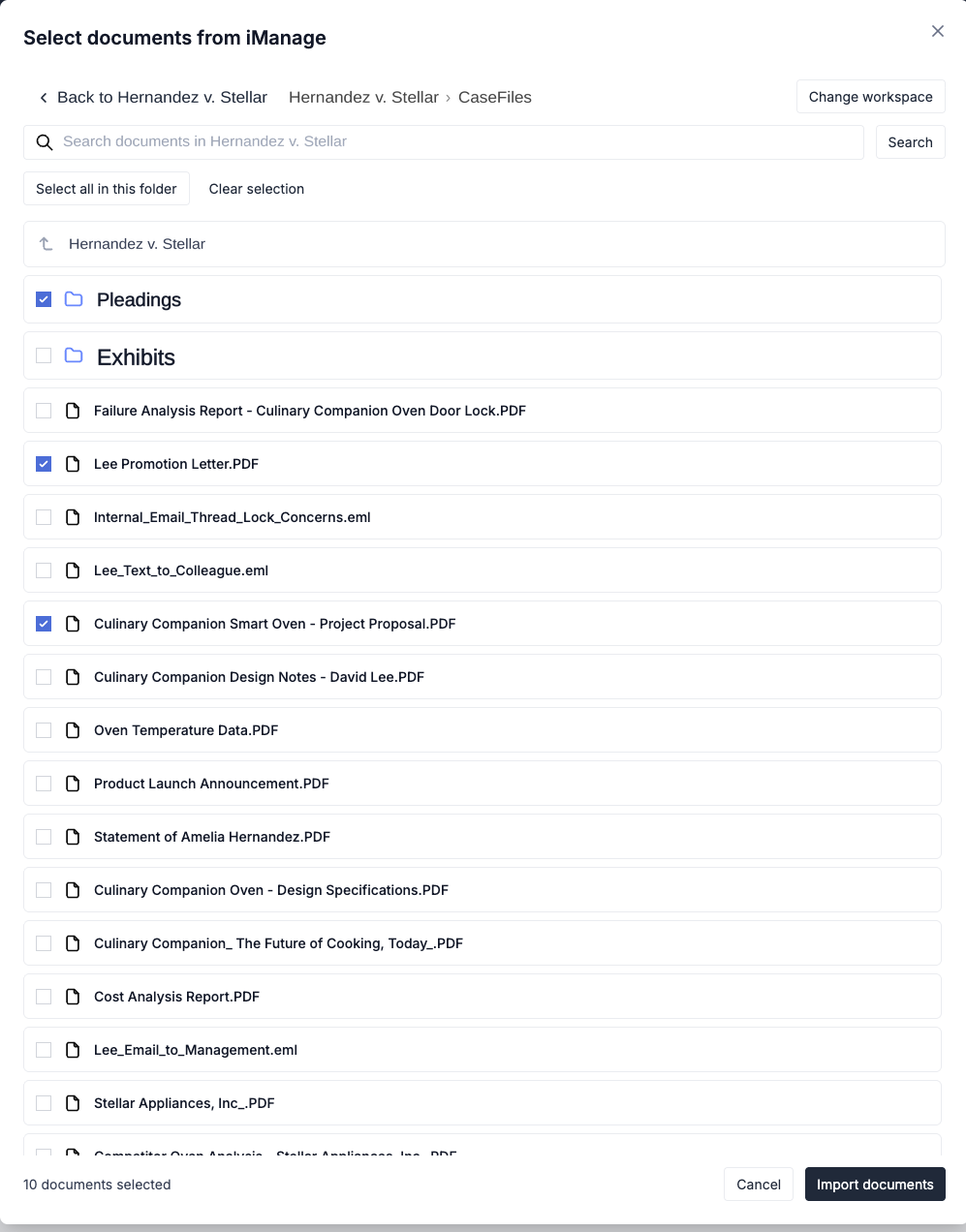
Pick a matter folder, or as many files as you need, and they land in the Litem case.
Built for large matters
Imports run in the background and support over 100,000 pages of case documents.
Your firm's security setup stays in charge
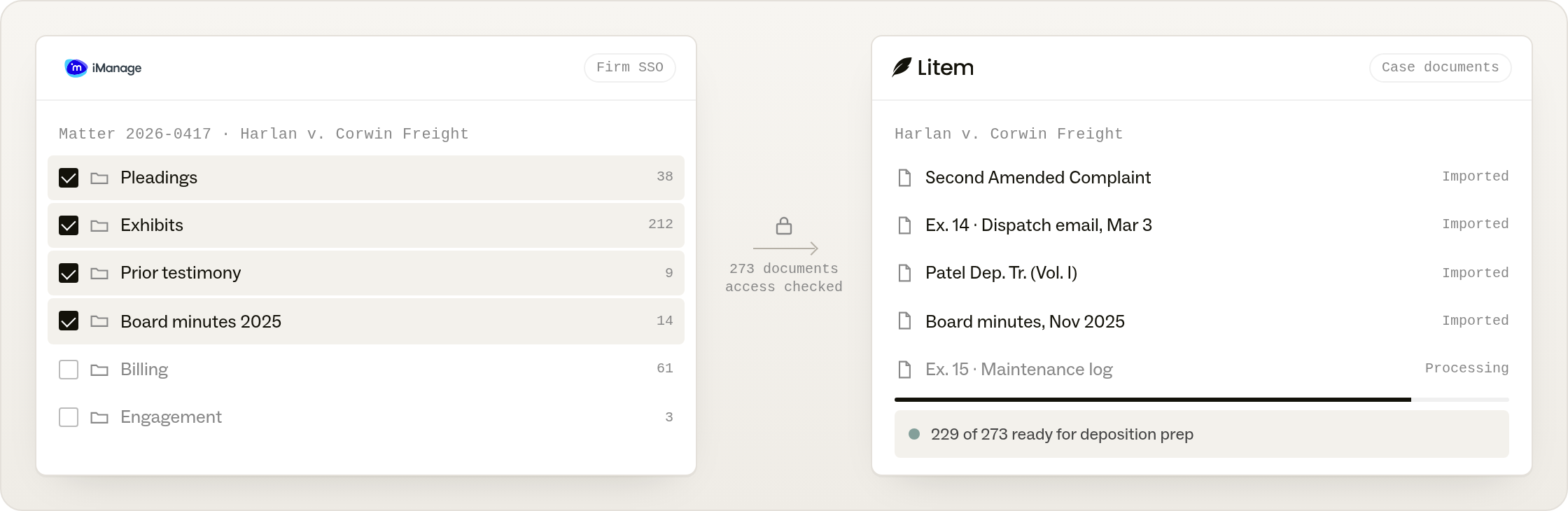
Sign in through your firm's SSO, and every import is checked against your access to the case before anything moves.
How it works.
Connect, choose the matter, prep against the record.
Sign in through your firm's SSO, pick the matter, and the documents land in the Litem case ready for deposition prep. Large imports run in the background while you work.
Connect with iManage
Sign in through your firm's single sign-on. Your iManage permissions come with you.
Choose the matter
Browse to the matter and select a folder or a set of files. Whole matters with thousands of files are supported, and the import runs in the background while you work.
Prep against the record
The documents land in the Litem case and go through the same processing as anything you upload, so pleadings, exhibits and prior testimony are ready for deposition prep.
.png)